
Technical
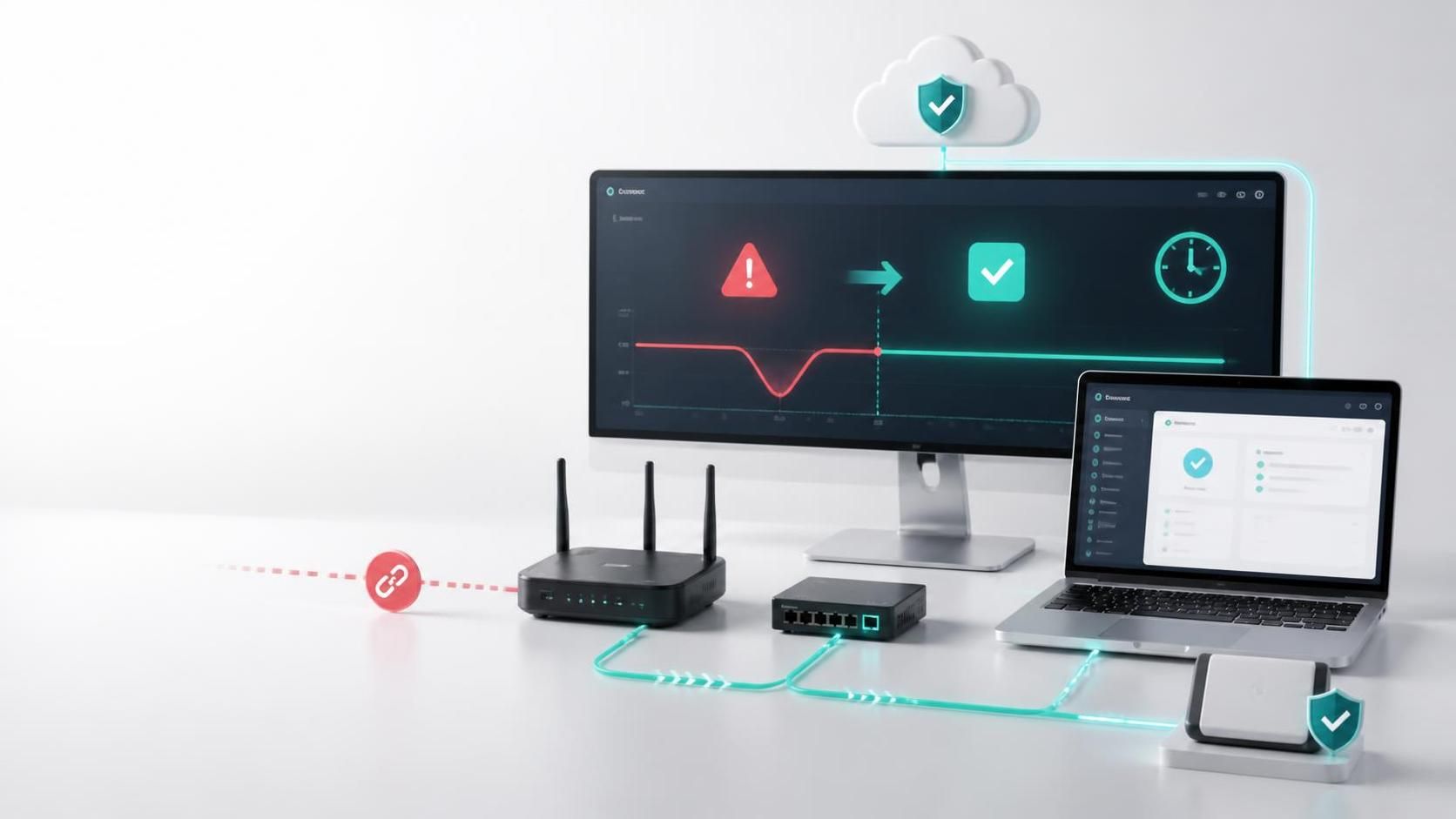
How to Reduce IT Downtime Without Slowing Growth
Learn how to reduce IT downtime with clearer ownership, resilient systems, tested recovery, and daily monitoring that protects operations and growth.
Managed IT
What is ransomware protection? Learn how layered security, recovery planning, and ownership help businesses limit disruption and restore operations.
October 2026
A locked file server is not just an IT incident. It can stop orders, delay patient or customer communications, interrupt payroll, expose sensitive records, and put revenue at risk. So, what is ransomware protection? It is the coordinated set of technical controls, operating practices, and recovery capabilities that helps a business prevent ransomware, contain an attack quickly, and restore normal operations without paying for access to its own systems.
Ransomware protection is often mistaken for a single security product. It is not. Antivirus software, email filtering, backups, and employee training all matter, but none is sufficient alone. Effective protection connects these layers under clear ownership, with tested decisions for the hours when the business is under pressure.
Ransomware is malicious software that encrypts files, locks devices, or steals data and threatens to publish it unless a payment is made. Modern attacks commonly combine disruption with data theft. Even if an organization can restore its systems, stolen customer, employee, financial, or operational data can create legal, commercial, and reputational consequences.
Ransomware protection reduces the attacker’s opportunity at every stage. Before an attack, it lowers the chance that a malicious email, stolen password, unpatched system, or exposed remote service becomes an entry point. During an attack, it helps identify unusual activity and limits how far it spreads. After an attack, it provides a reliable route to recover systems, data, and business services.
The goal is not to claim that an attack is impossible. Any organization with people, endpoints, cloud platforms, vendors, and customer-facing applications has exposure. The goal is to make the organization harder to compromise, faster to contain, and more capable of operating through disruption.
The most useful way to evaluate ransomware protection is by the business outcome it supports.
Many ransomware events begin with ordinary weaknesses: a convincing phishing message, a reused password, an unmanaged laptop, a delayed software update, or a remote access service left open to the internet. Prevention starts with identity controls such as multi-factor authentication, strong password policies, and least-privilege access. Staff should have access only to the files, applications, and administrative functions required for their role.
Email remains a major attack path, so filtering, attachment scanning, domain protections, and user awareness work together. Training should not be a once-a-year compliance exercise. Employees need a simple reporting route and regular, realistic guidance on suspicious invoices, login prompts, file-sharing requests, and payment changes.
Device and server management matter just as much. Supported operating systems, timely patching, endpoint security tools, and secure configuration reduce known opportunities for attackers. For businesses with distributed teams, consistent control over office devices, home laptops, mobile access, and cloud applications is essential.
No preventive control catches everything. Containment is what limits a local compromise from becoming a company-wide outage. Security monitoring can identify signs such as impossible login locations, repeated failed access attempts, unusual file encryption activity, unexpected administrative changes, or large data transfers.
When those signals appear, teams need authority and a defined process to act. That may mean disabling an account, isolating a device, blocking a connection, or taking a service temporarily offline. These actions can be disruptive, which is why ownership matters. Waiting for several vendors to agree on who manages email, endpoints, cloud access, and backups gives ransomware more time to spread.
Network segmentation also plays a key role. Separating critical servers, user devices, guest networks, production environments, and backup infrastructure makes it harder for an attacker to move laterally. The right design depends on the organization’s systems and risk profile. A retail business with point-of-sale locations, for example, faces different operational priorities than a healthcare provider or a professional services firm.
Backups are a recovery tool, not a complete ransomware strategy. They are valuable only if they are protected from deletion or encryption, available when needed, and tested against real recovery targets. A backup that has never been restored is an assumption, not a plan.
A sound recovery design usually includes multiple copies of important data, separation from the primary environment, and at least one copy that cannot be easily altered by a compromised administrator account. Critical applications may also require recovery of configurations, identity services, databases, cloud workloads, and connected integrations – not merely shared files.
Business leaders should define recovery priorities in operational terms. Which services must be restored first? How much data loss is acceptable for each system? How long can the business work without email, order processing, customer portals, or financial systems? These targets guide investment and prevent technical recovery work from becoming disconnected from business needs.
A ransomware protection program is strongest when it treats technology and operating discipline as connected engines. The core layers typically include:
Technology alone cannot make these layers effective. A company may own capable tools but still be exposed if alerts are not reviewed, access rights accumulate, backup reports are not checked, or the response plan exists only as an outdated documen
For decision-makers, ransomware protection should be managed as a business continuity discipline rather than a collection of licenses. A practical approach follows four stages: Discover, Design, Build, and Evolve.
Start by mapping the systems that run the business: email, file storage, accounting, customer relationship platforms, websites, e-commerce, line-of-business applications, cloud services, and onsite infrastructure. Identify where sensitive data sits, who can access it, which third parties connect to it, and what would happen if each system became unavailable.
This stage often reveals hidden risk. An old administrator account, an unsupported server, broad shared-folder permissions, or a marketing platform connected to a customer database can become part of the attack path.
Security controls should match the organization’s size, regulatory obligations, operating hours, and tolerance for interruption. A 24-hour hospitality business may need different recovery targets than a regional construction firm. The design should clarify which services are critical, who owns each control, and how internal teams and external providers coordinate.
There are trade-offs. Tighter access controls can add friction for staff. More frequent backup retention can increase cost. Continuous monitoring may require specialist oversight. The right choice is the one that makes risk visible and proportionate, not the one with the longest list of features.
Implementing controls is only part of the work. Teams should test restoration of priority systems, validate that backups are isolated, review emergency contacts, and run a short tabletop exercise with leadership. Ask direct questions: Who can authorize a system shutdown? Who contacts customers if a portal is unavailable? How will employees communicate if email is down?
Testing exposes dependencies that architecture diagrams miss. It also gives leaders confidence that recovery decisions will be made quickly rather than improvised in a crisis.
New offices, cloud migrations, employee turnover, acquisitions, websites, mobile applications, and e-commerce integrations all change the attack surface. Ransomware protection needs regular review as the business evolves. This is particularly relevant when technology operations, digital products, and growth activity are managed by separate vendors with limited visibility into one another.
One accountable operating partner can simplify that picture by connecting infrastructure, access, backups, customer-facing systems, and incident communications. The objective is not to centralize every decision. It is to ensure that no critical gap exists between teams when speed matters.
05
Executives do not need to become security specialists to improve ransomware readiness. They do need clear answers to a few operational questions. Can we restore our most important systems within an agreed timeframe? Are our backups protected from the same credentials that manage production systems? Do all users, including administrators, use multi-factor authentication? Who is watching for suspicious activity, and who acts after hours? Have we tested our response in the last 12 months?
If these answers are uncertain, the business has a useful starting point. Ransomware protection becomes manageable when it is tied to named systems, named owners, tested recovery targets, and measurable improvements.
The most valuable next step is not buying the first security tool offered after a frightening headline. It is making the next decision visible: identify the services your business cannot lose, verify how they would be restored, and assign clear ownership for closing the gaps.
Learn how to reduce IT downtime with clearer ownership, resilient systems, tested recovery, and daily monitoring that protects operations and growth.
Learn how to secure company email with identity controls, authentication, training, and recovery planning that keep business communication moving safe.
Best business continuity practices help teams protect operations, data, customer trust, and revenue when disruptions test systems, people, and decisions.