Managed IT
What Is Managed IT? A Clear Business Guide
What is managed IT? Learn how proactive technology support, security, cloud management, and clear accountability help businesses operate and grow with confidence every day.
October 2026
A missed email, a slow business application, or an expired website certificate can look like a small technical issue. For a growing organization, it can quickly become a lost sale, a delayed service, a compliance concern, or a frustrating day for staff. So, what is managed IT? It is an ongoing service model in which a dedicated technology partner takes responsibility for operating, supporting, monitoring, and improving your business technology environment.
Managed IT is not simply calling someone when a laptop fails. It is a structured relationship built around prevention, visibility, and accountability. Rather than reacting only after an outage, the provider works to keep systems healthy, protect data, support users, and give leadership a clearer view of technology risk and priorities.
What Is Managed IT in Practice?
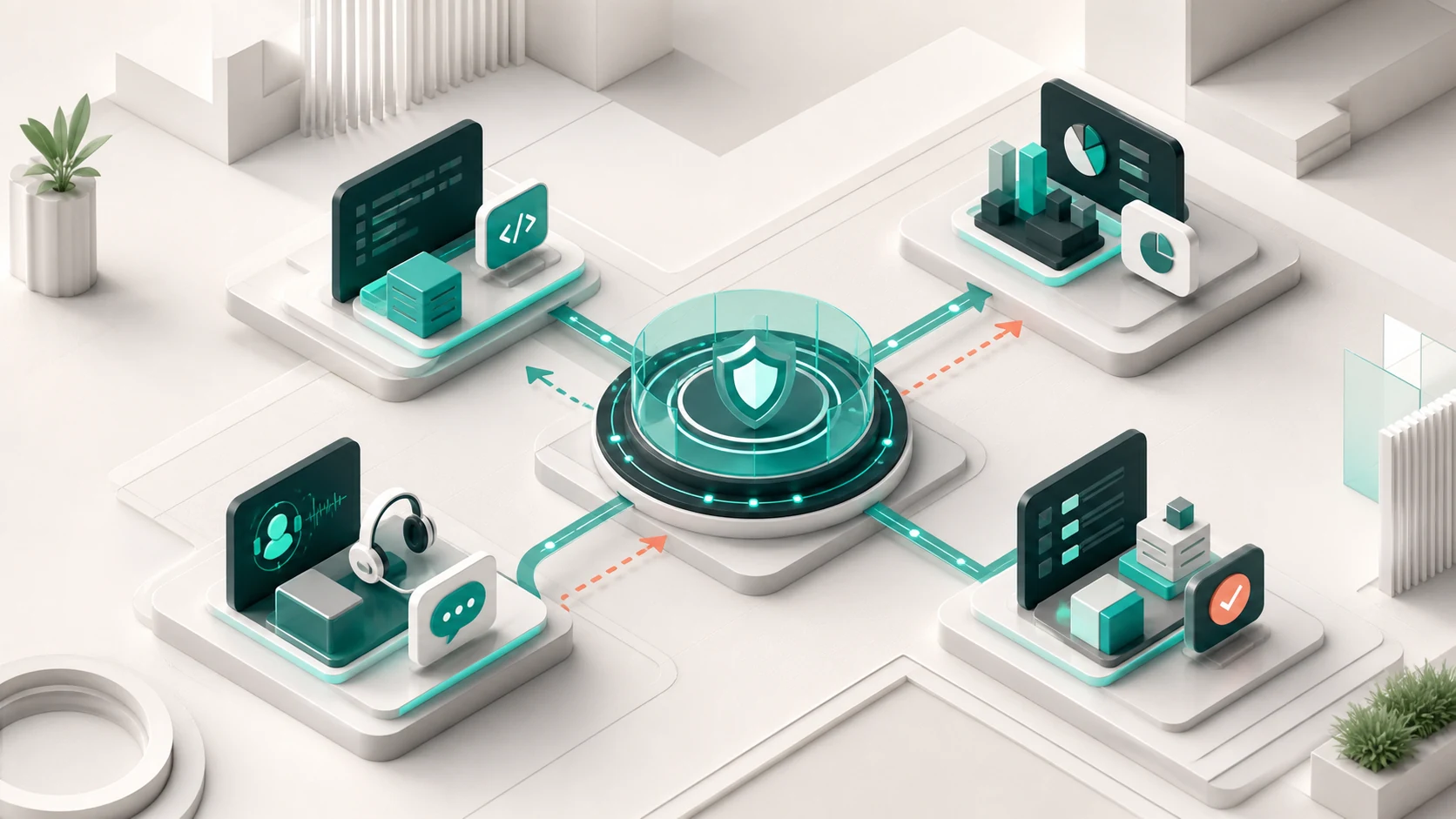
A managed IT provider acts as an extension of your internal team, or as your complete IT function if you do not have one. The scope varies by business, but it commonly includes end-user support, device management, cloud administration, business email, network oversight, backups, security controls, vendor coordination, and technology planning.
The defining feature is ongoing ownership. A traditional break-fix vendor is usually paid to resolve a specific problem. Managed IT is designed around continuous service: systems are monitored, updates are planned, issues are logged, and recurring problems are addressed at their source where possible.
For an operations leader, this means fewer surprises and a clearer escalation path. For an executive, it means technology decisions can be tied to continuity, cost, growth, and risk rather than treated as isolated technical purchases. For internal IT teams, it can mean added capacity for specialized work, project delivery, or after-hours support.
The Core Outcomes of Managed IT Services
Managed IT should produce practical business outcomes, not just a longer list of technical activities. The exact service package depends on your operating model, industry, and existing systems, but most effective arrangements focus on four connected areas.
Reliable day-to-day operations
Employees need dependable access to the tools that keep work moving: email, files, line-of-business platforms, meeting tools, devices, printers, and internet connectivity. Managed IT helps standardize how these systems are configured and supported, reducing the time staff spend working around avoidable problems.
This does not mean every interruption disappears. Internet providers fail, software vendors experience outages, and hardware eventually reaches end of life. The difference is having a team that knows the environment, can coordinate the right response, and can communicate clearly about impact and next steps.
Security and business continuity
Cybersecurity is not a single product. It is a discipline that combines identity management, device protection, access controls, backups, software updates, staff awareness, and a response plan when something goes wrong.
Managed IT providers commonly help maintain these foundations. They may monitor endpoints, manage user access, protect business email, review backup status, and identify systems that need updates. A healthcare provider, retailer, or professional services firm may also require stronger controls around sensitive data and business continuity.
No provider can promise that a business will never face a cyber incident. A credible partner explains the risks, documents the safeguards, tests recovery where appropriate, and helps leadership make informed trade-offs between protection, convenience, and budget.
Cloud and vendor management
Most businesses now rely on a mix of cloud platforms, subscriptions, websites, communications tools, and specialized software. Without clear ownership, those services can become difficult to manage. Former employees may retain access, renewal dates may be missed, and nobody may know which vendor is responsible when an issue crosses several systems.
Managed IT creates a control point. The provider can administer accounts, coordinate third parties, maintain documentation, and help the business plan migrations or upgrades. This is particularly valuable when a company is moving to Microsoft 365, consolidating hosting, replacing legacy systems, or opening additional locations.
Technology planning and measurable improvement
Good managed IT has a forward-looking component. It should identify aging devices, recurring support trends, security gaps, capacity constraints, and opportunities to simplify the technology stack.
The value is not in producing reports for their own sake. It is in making the next decision visible. Leadership should understand what needs attention now, what can wait, what investment will reduce risk, and where technology can support a business objective such as better customer service, faster reporting, or a new digital sales channel.
Managed IT vs. Internal IT vs. Break-Fix Support
These models can work together. The right choice depends on the organization’s scale, complexity, regulatory requirements, and internal capability.
An internal IT department offers direct proximity to the business and may be essential for organizations with complex systems, large workforces, or specialized compliance needs. Yet even strong internal teams often use managed services for monitoring, cloud administration, cybersecurity support, help desk coverage, or project expertise.
Break-fix support can suit a very small business with limited technology and a low tolerance for recurring service costs. The trade-off is predictability. When support is only triggered by failure, there is less incentive and less time to address maintenance, documentation, access management, or strategic planning before they create disruption.
Managed IT sits between these extremes or complements internal capability. It creates an operating rhythm: defined services, agreed response expectations, regular reviews, and a known team accountable for the environment. The model is most effective when the provider is given enough access and authority to manage the systems it is responsible for.
What Managed IT Does Not Automatically Solve
Managed IT is not a substitute for leadership decisions. A provider can present options, assess risk, and execute a plan, but it cannot decide your growth strategy, determine acceptable downtime, or set priorities across competing departments.
It also does not turn disconnected business systems into a coordinated digital operation by default. A company may have well-managed email and devices while still struggling with an outdated website, manual sales processes, weak reporting, or marketing that cannot be linked to revenue.
That distinction matters. For organizations trying to improve both operations and market performance, technology support must connect with product delivery, customer experience, analytics, and demand generation. Otherwise, businesses can end up coordinating separate IT vendors, developers, designers, and marketing agencies with no shared accountability.
05
A Better Operating Model: Discover, Design, Build, Evolve
The strongest managed IT relationship starts with understanding the business, not installing tools. A practical operating framework moves through four stages.
1. Discover
The provider reviews the current environment, critical systems, user needs, security posture, vendor dependencies, and known pain points. This stage should clarify what is actually in place, who owns it, and what failure would cost the business.
2. Design
Next comes a service plan aligned to priorities. That may include support coverage, device standards, cloud administration, backup policies, access controls, reporting, and a roadmap for urgent improvements. The plan should be understandable to nontechnical decision-makers and specific enough for technical teams to act on.
3. Build
The provider then stabilizes and improves the environment. This might involve onboarding users, documenting assets, correcting permissions, migrating email, strengthening backups, replacing outdated devices, or implementing monitoring. Projects should have clear scope, ownership, and completion criteria.
4. Evolve
Technology needs change as the business changes. Regular service reviews keep the plan relevant, whether the organization is hiring, opening a new site, launching e-commerce, adopting a new platform, or responding to a changing security risk. Managed IT becomes more valuable when it evolves with those decisions instead of operating as a static support contract.
06
How to Evaluate a Managed IT Partner
Ask how the provider defines responsibility when an issue involves multiple vendors. Ask what is included in routine management, what counts as project work, how incidents are communicated, and how backup recovery is tested. Clear answers are more useful than broad promises.
You should also look for a partner that can explain technology in business terms. If leadership cannot see how a recommendation affects risk, productivity, customer experience, or cost, it will be difficult to prioritize. A mature provider brings technical depth without making every conversation unnecessarily technical.
For businesses whose growth depends on websites, digital products, e-commerce, data, and campaigns, consider whether the partner can coordinate those connected engines. ProiTs, for example, brings managed operations, cloud, product delivery, and growth execution under one accountable team. That model is not necessary for every organization, but it can remove friction where technology and commercial performance are closely linked.
The best managed IT relationship gives your business room to focus. When systems are owned, risks are visible, and the right people know what to do next, technology stops being a recurring source of uncertainty and becomes a more dependable part of how you operate and grow.
A clear route through the topic.
- What Is Managed IT in Practice?
- The Core Outcomes of Managed IT Services
- Managed IT vs. Internal IT vs. Break-Fix Support
- What Managed IT Does Not Automatically Solve
- A Better Operating Model: Discover, Design, Build, Evolve
- How to Evaluate a Managed IT Partner
Related thinking from ProiTs.